Click Log in in the top-right corner. By logging in you agree to the Terms of Service.
Sign in with the Microsoft work account you use for Azure DevOps. Microsoft will ask you to approve AgileViz to sign you in and read your profile. Click Accept.
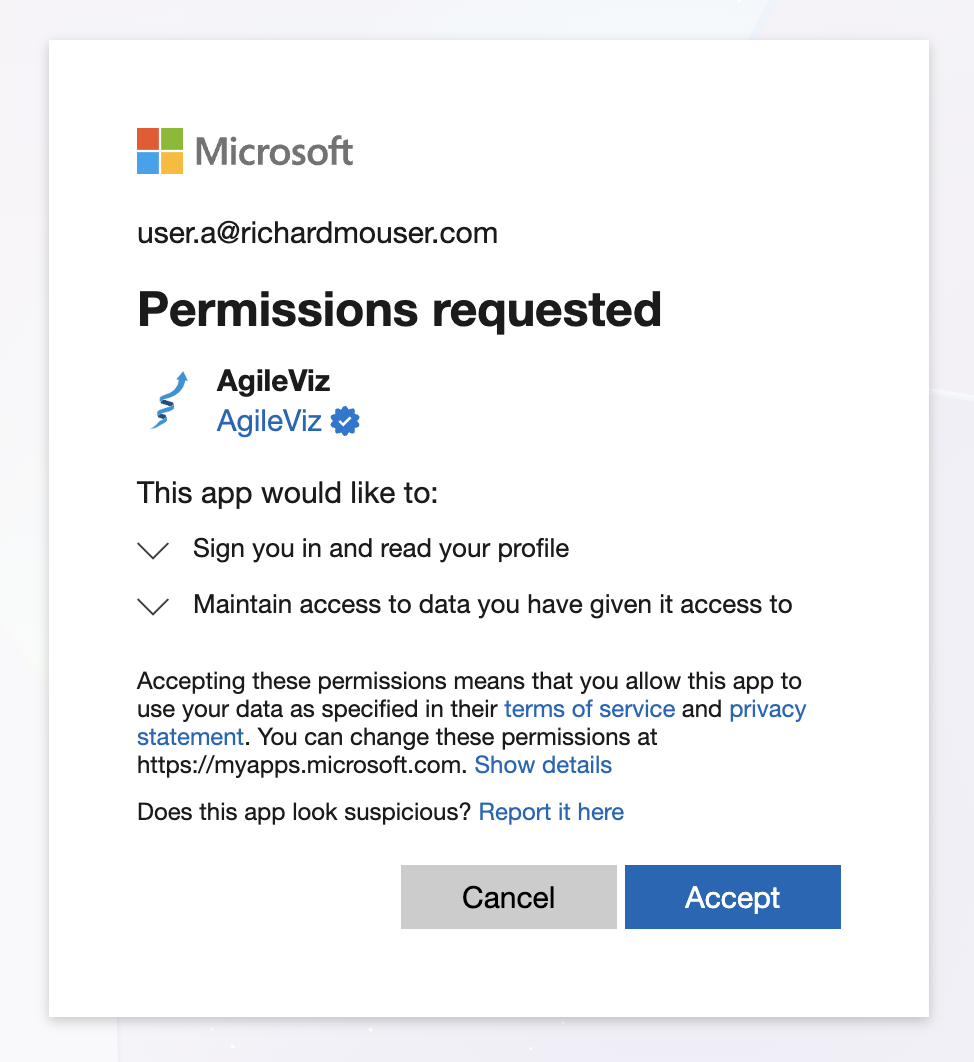
- If you see Approval Required or Need admin approval, see Admin Approval for next steps.
- Enter your Azure DevOps organization name, then tab or enter. Not sure about your organization name? Find it in your board URL:
https://dev.azure.com/organization/project/_boards/...
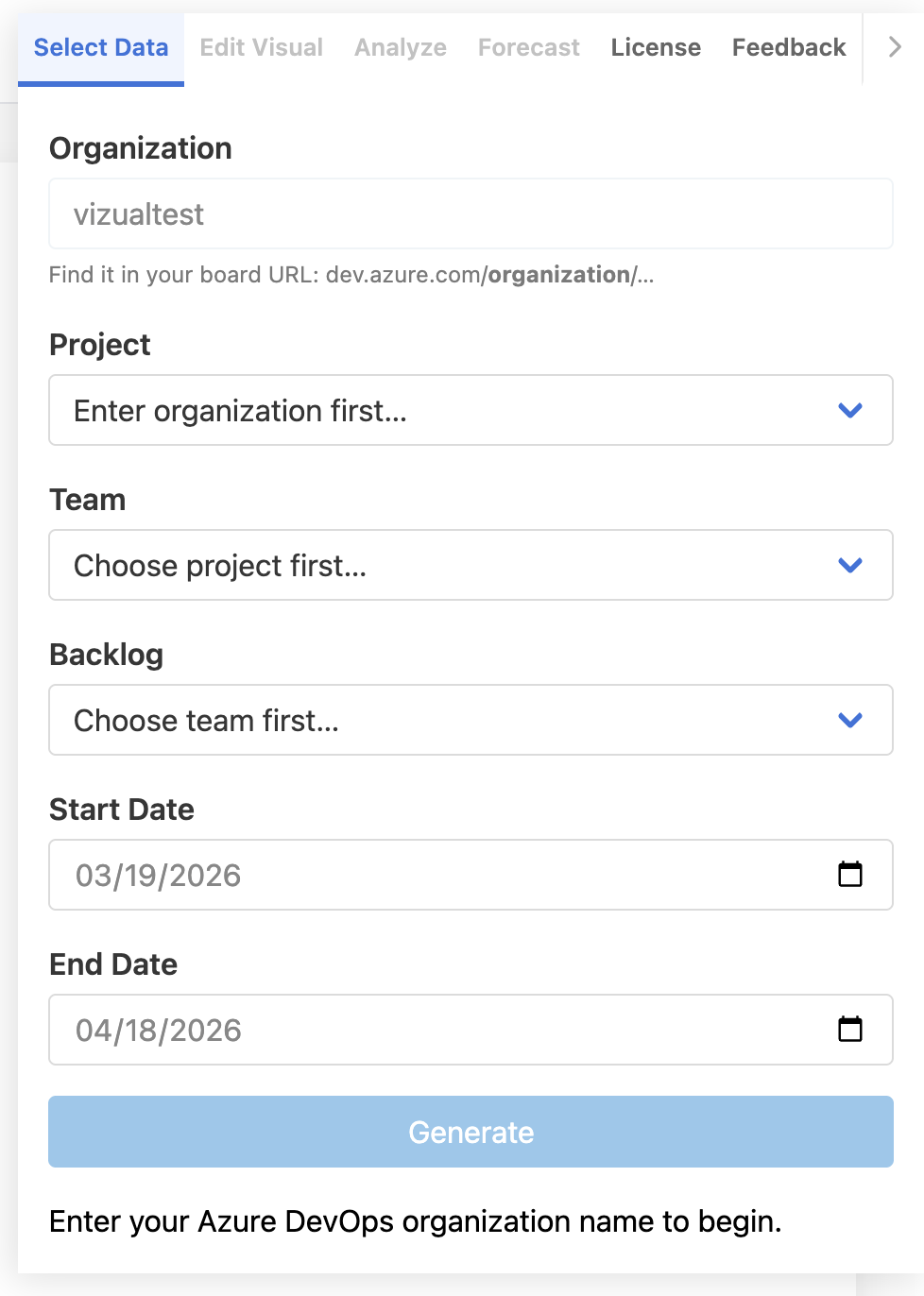
- A popup will ask you to approve Analytics (read) access — this is the read-only permission AgileViz needs to query your Azure DevOps data. Click Accept.
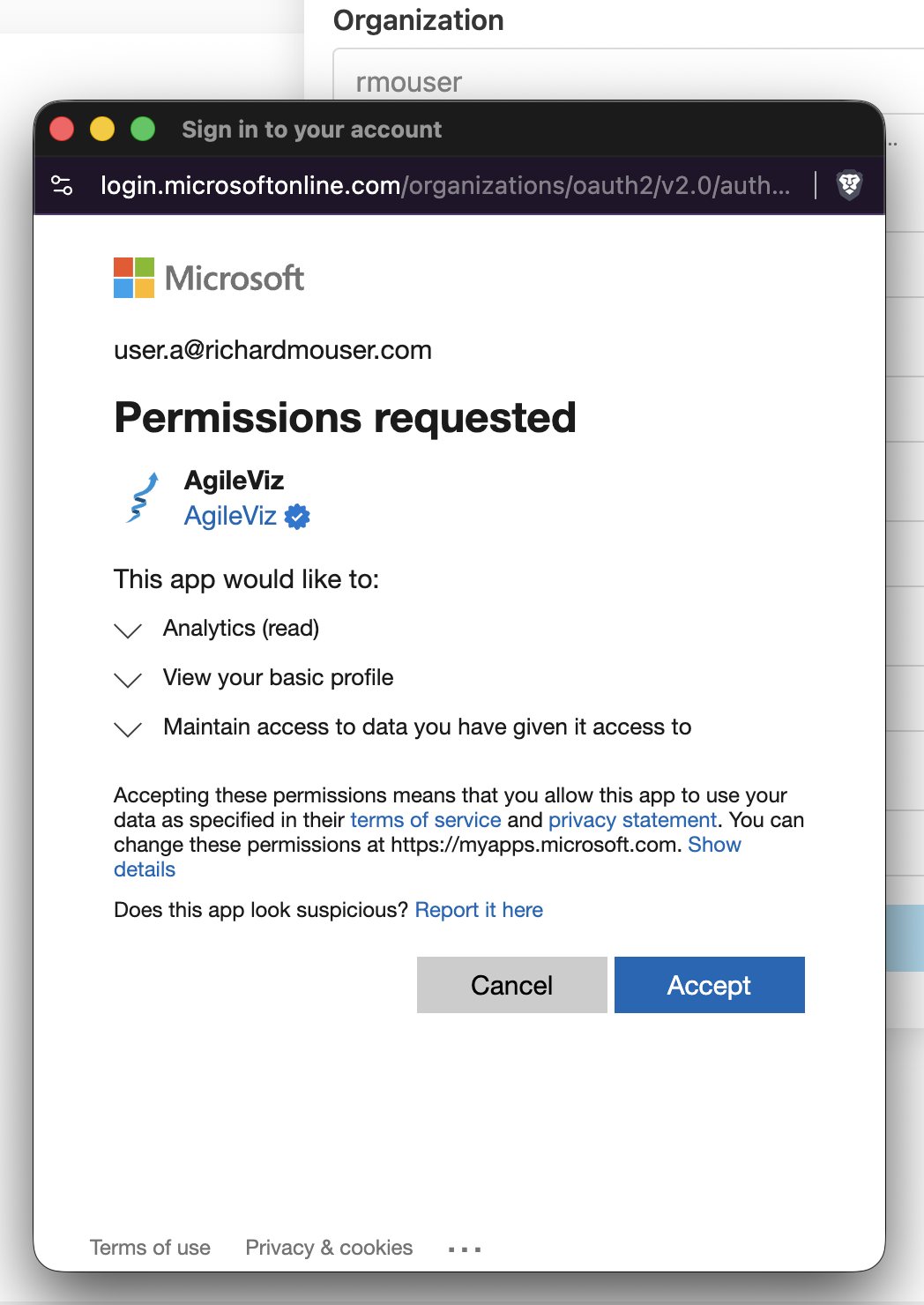
- Read-only access to analytics data — no write permissions
- Your ADO data is never stored — it's processed in your browser and discarded
- No tracking cookies or fingerprinting technologies used on this site
- Read my commitments to your privacy
- Choose a project, team, and backlog from the dropdowns. Pick a start date and end date.
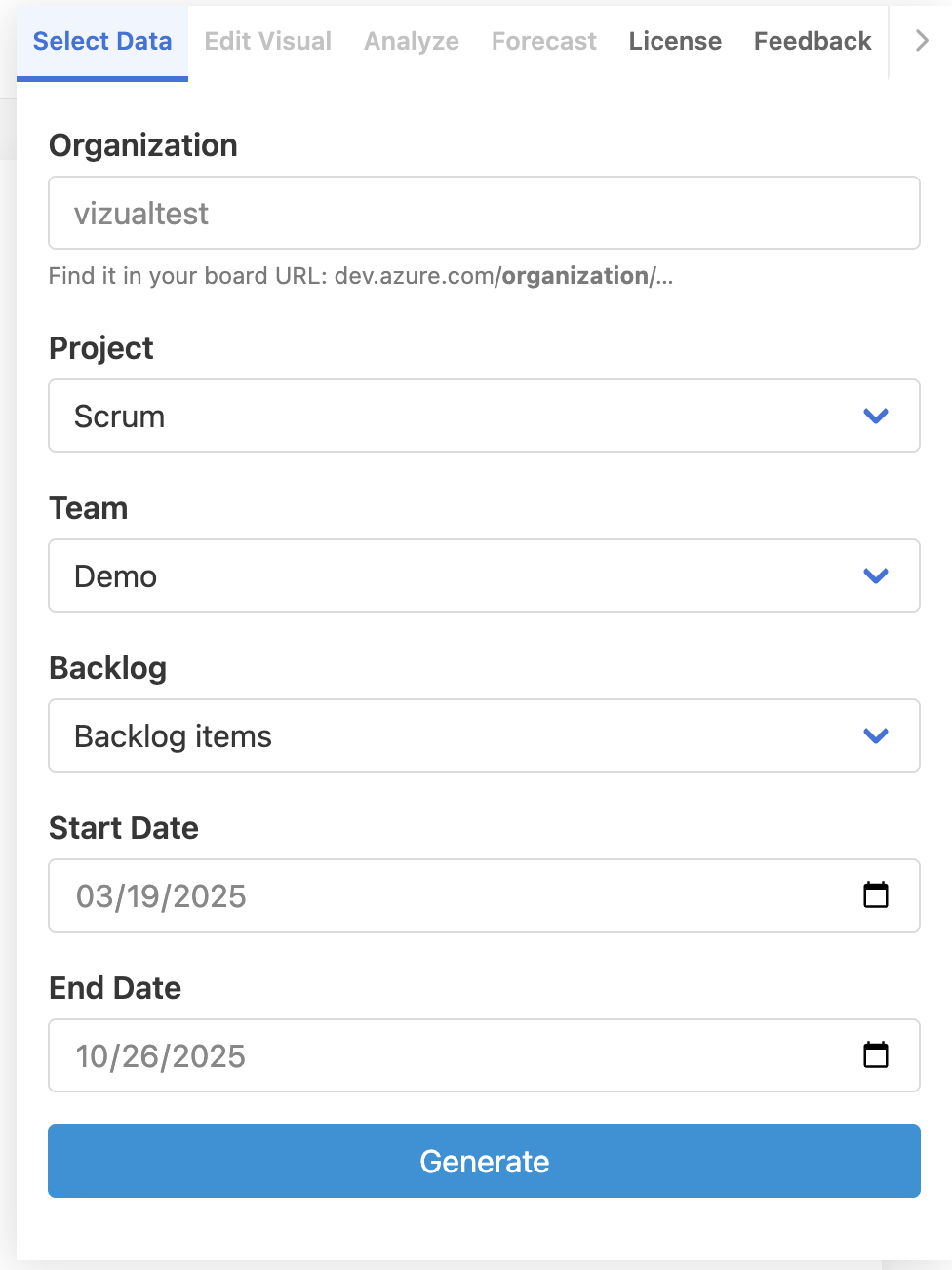
- Click Generate — your cycle time distribution appears in seconds.
Both consent prompts are one-time only. On subsequent visits, you’ll go straight to the app.
If login doesn’t work:
“Approval Required” or “Need admin approval” — some organizations require a one-time admin approval before users can connect new apps. AgileViz will redirect you to the Admin Approval page, which has step-by-step instructions and a ready-to-send email template for your administrator.
Personal Microsoft accounts — AgileViz uses Microsoft Entra ID for authentication, which Azure DevOps does not support with personal (outlook.com, hotmail.com) accounts. A work or school account is required.
Questions or problems? Use the contact form and I’ll help you get connected.